
Live Streaming for Musicians and Artists (Legacy)
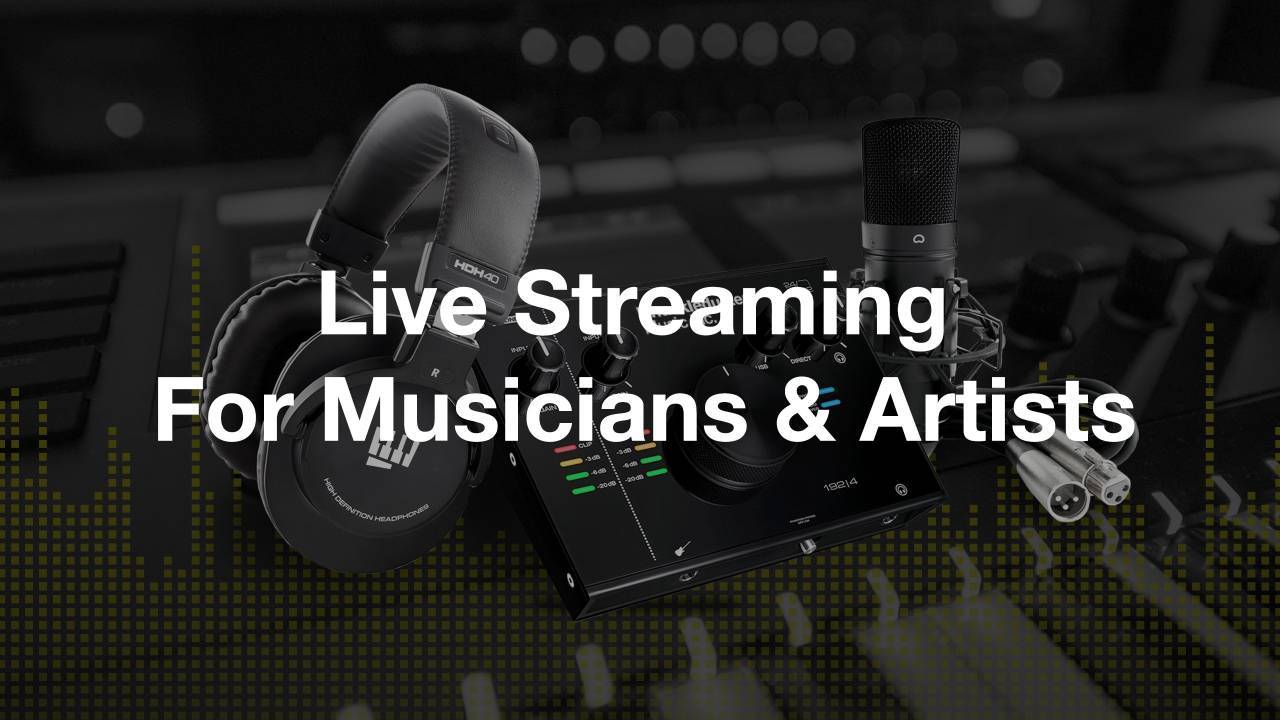
Live Streaming for Musicians and Artists
-
Course Introduction
1 lesson- Welcome to the Course
-
Capturing The Music
17 lessons-
Getting To Know Your Audio Gear
- The Audio Gear We'll Be Using
- Choosing The Right Audio Interface
- Incorporating An Analog or Digital Mixer (Optional)
- Selecting The Right Microphone(s)
- Hearing Yourself (Monitoring)
-
Digital Audio Workstation (DAW)
- DAW Setup and Overview
- Creating Tracks and Setting Your Audio Levels
-
Fool Proof Microphone Techniques
- Capturing Acoustic Guitar
- Capturing Vocals
- Capturing Piano and Keyboards
-
Perfecting Your Mix
- Introduction to Effects
- Applying Vocal Effects
- Applying Acoustic Guitar Effects
- Applying Piano and Keyboard Effects
- Channel Strip Presets
- Soundcheck (Creating Your Full Mix & Saving A Template)
-
Performing With Backing Tracks
- Performing With Backing Tracks
-
-
Capturing The Video
5 lessons- Selecting The Right Camera
- Improving Your Lighting Setup
- Getting Away From Auto Mode
- Framing Your Shot
- Spice Up Your Visuals
-
Broadcasting Your Live Stream
10 lesson- Testing Your Internet Connection
-
OBS Broadcasting Software
- Initial Setup And Settings
- Building Your Scenes
-
Sending Audio From Your DAW to OBS
- Sending Audio To OBS On A Mac (Multi-Output Device - Free Software)
- Sending Audio To OBS On A Mac (Loopback - Paid Software)
- Sending Audio To OBS On A PC
-
Going Live From OBS
- Going Live (Facebook, YouTube, Twitch)
-
Going Live To Zoom
- Going Live To Zoom On A Mac (Multi-Output Device)
- Going Live To Zoom On A Mac (Loopback)
- Going Live To Zoom On A PC
-
Recording Your Live Stream
1 lesson- Recording Your Live Stream
-
Getting Paid
3 lessons- Virtual Tip Jars
- Live Stream Event Ticketing
- Monetizing YouTube/Twitch/Facebook
-
Live Stream Tips
1 lesson- Live Stream Tips
-
Course Wrap Up
1 lesson- Wrapping Things Up
-
BONUSES
3 lessons- Quick Start Guide
- Mix Templates
- Pre-Show Checklist