
Logic Pro: The Musician's Guide
A step‑by‑step course that shows you exactly how to record, arrange, and mix professional sounding tracks in Logic Pro, without getting lost in menus, plugins, or tech headaches.
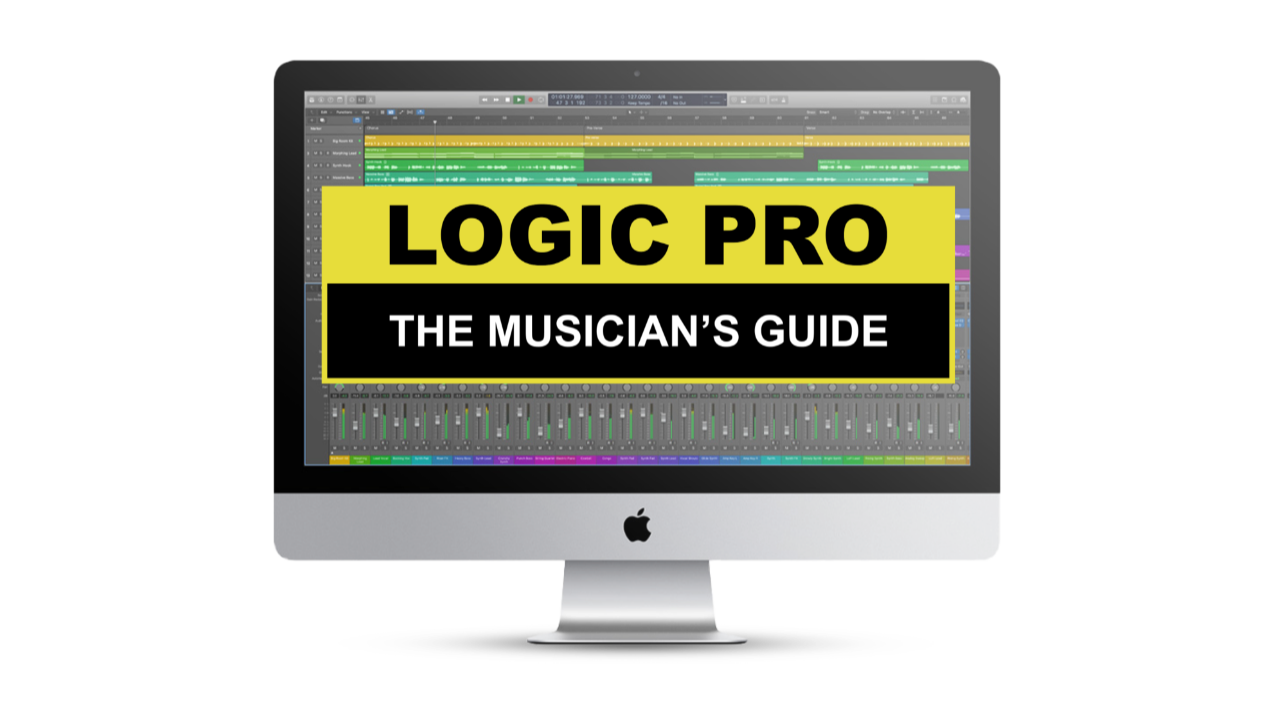
Logic Pro: The Musician’s Guide
An in‑depth, step‑by‑step online course for musicians who want to unlock Logic Pro’s full potential and create professional‑quality music without the overwhelm.
This isn’t fluffy theory or confusing jargon. It’s practical, actionable, and designed for new and intermediate users who want to:
- Master the essentials of Logic Pro quickly and easily.
- Learn by doing with guided lessons that build real, repeatable skills
- Spend less time troubleshooting and more time actually making music
Real Students. Real Results.

Steven Beddall
Georges' Logic Pro course is as thorough as they come. No fluff and well paced. Forget about having to sort through boring YouTube tutorials, Georges cuts right to the chase and the best part is that he's not just talking about Logic's many features and how they function, he shows you how to put them to good use by actually making music throughout the course. Georges is the real deal. Learn from a master with over a decade of experience teaching Logic Pro to countless students, and take your production skills to the next level!

Jasna Stojanovic
This is an excellent course! It is very informative yet designed and presented in a way that is easy to understand and follow. The original song provided for study as well as added handouts are such great bonus material. I learned so much and will be looking forward to more courses from Knuckleduster Music Inc. Thank you Georges!
Katherine Penfold
I’ve been using Logic Pro for years, but was absolutely amazed with what I didn’t know the program could do! Georges does such a wonderful job of explaining all the technical pieces, the common sense pieces, creating an expansive experience of capturing an original song in its entirety - highly recommend!

Paul Olito
Just finished the course. Thank you for turning me on to all this knowledge. I totally get it now. Wow!

Stephen Ellis
I thought I might learn a few useful things in the course but there was SO MUCH stuff I didn't know - Brilliant course, thanks Georges!!
What You’ll Learn
With "Logic Pro: The Musician’s Guide", you’ll gain the confidence and skills to:
Create Professional Sounding Tracks:
Use Logic’s software instruments and session players to build drums, bass, keys, and more, even if you don’t play those instruments.

Record with Ease:
Set up your home studio, connect your gear, choose the right mic, and capture clean, professional‑quality sound.
Build Full Songs From Scratch:
Follow along with real Logic Pro session files as you record, arrange, edit, and produce complete tracks.
Mix with Clarity:
Demystify compression, EQ, reverb, and delay so your mixes sound polished and translate across speakers and streaming platforms.

Finish and Release Your Music:
Prepare your final masters for Spotify, Apple Music, and other streaming services.
What's Inside
-
Course Introduction
1 lesson- Welcome to the Course
-
Module 1 - Getting Started
5 lessons- Gear Overview
- Getting Started in Logic Pro
- Navigating Logic Pro
- Tools Overview
- Common Shortcuts
-
Module 2: Pre-Production & Software Instruments
8 lessons- Preparing Your Session
- Software Instruments & Track Types
- Creating a Drum Track
- Creating a Piano Track
- Creating a Bass Track & Drummer Follow
- Creating Synth Tracks
- Preparing a Rough Mix
- Notation
-
Logic Pro 11: Session Musicians
6 lessons- Chord Track
- Keyboard Player
- Synth Player
- Drummer
- Bass Player
- Studio Software Instruments
-
Module 3: Recording
5 lessons- Recording Electric Bass & Editing Multiple Takes
- Recording Acoustic Guitar & Group Editing
- Recording Electric Guitar (Amp)
- Recording Guitar Electric Guitar (DI) & Amp Designer
- Recording Vocals
-
Module 4: Editing
6 lessons- Organizing Your Project
- Editing Drums
- Editing Bass & Bass Amp Designer
- Editing Acoustic Guitar & Track Stacks
- Editing Electric Guitar & Flex Time
- Editing and Tuning Vocals (Flex Pitch)
-
Module 5: Mixing & Mastering
17 lessons- Setting Up Your Room For Success
- Compression Overview
- EQ Overview
- Sends vs Inserts
- Reverb Overview
- Delay Overview
- Automation
- Channel Strip Presets
- Mixing Drums
- Mixing Bass
- Mixing Piano
- Mixing Acoustic Guitar
- Mixing Electric Guitar
- Mixing Synths
- Mixing Vocals
- Final Automation
- Mastering
-
Course Wrap Up
1 lesson- Wrapping Things Up
-
Downloads and Handouts
1 lesson- Downloads and Handouts